
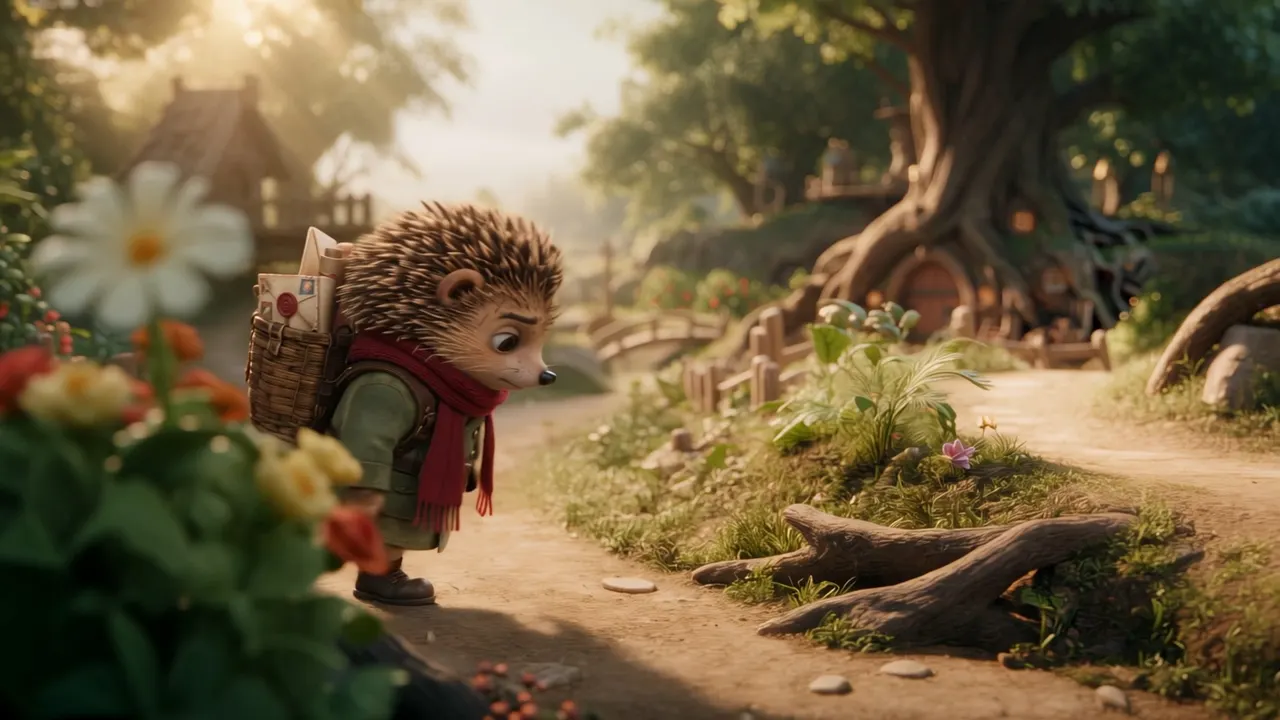
Product campaigns
Combine product views and character references for launch films, fashion spots, and visually consistent ads.
Sign in to claim 100 starter credits and begin creating
Kling 4.0 creative stories
Start with what you have: a product photo, character sheet, camera idea, or illustration. See how each becomes a finished scene.
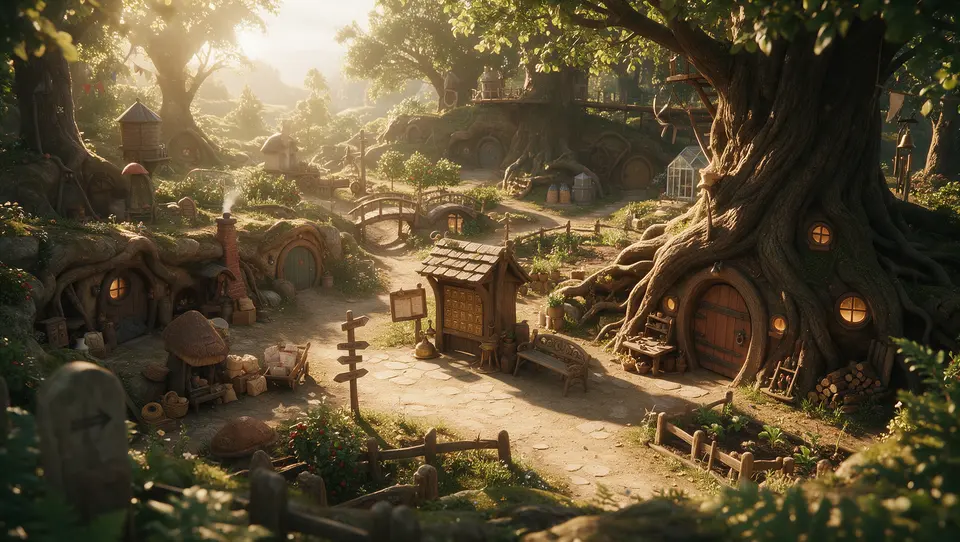
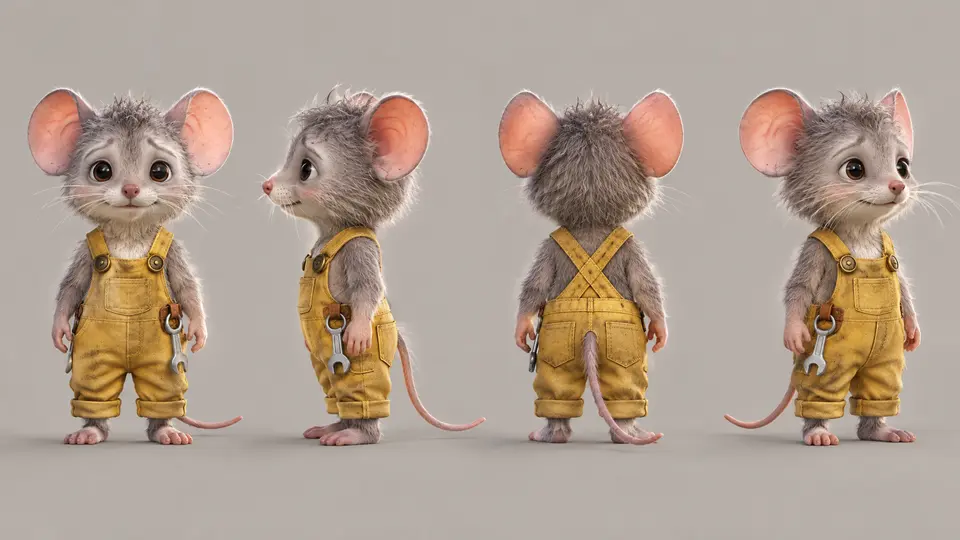
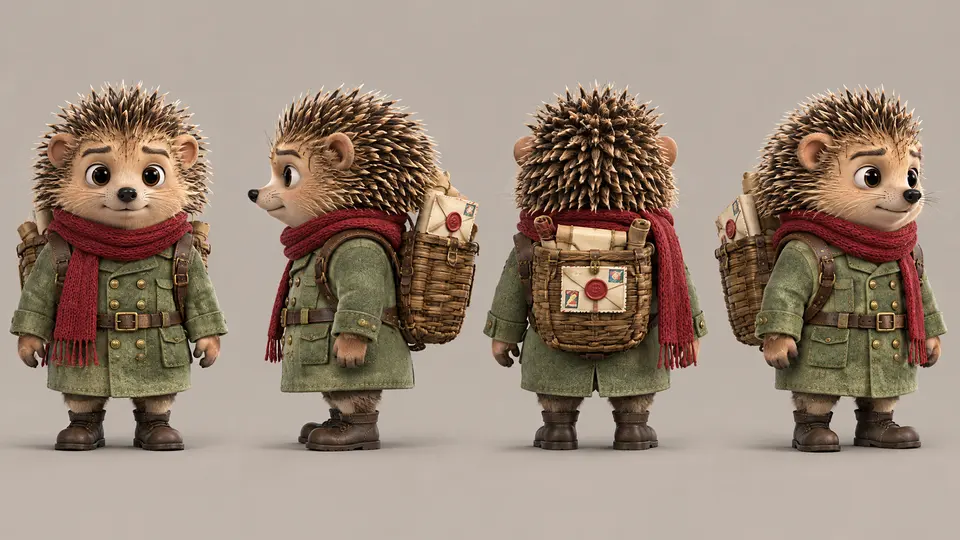

Four simple references establish the setting and cast before the story begins.
A hedgehog and a mouse move through the same richly textured world, with their personalities intact from scene to scene.
Creative pathFour references → one continuous character story
A more complete creative canvas
Give your idea time to develop, anchor what must stay recognizable, and place the important moments exactly where they belong.
Build a scene with an opening, development, and payoff in one generation
Combine images, videos, voice references, and elements in one direction
Set the visual beats that carry a story from one moment to the next
Bring the whole story to life
Give your characters, products, and places a recognizable identity. Then guide the moments that make the story memorable.
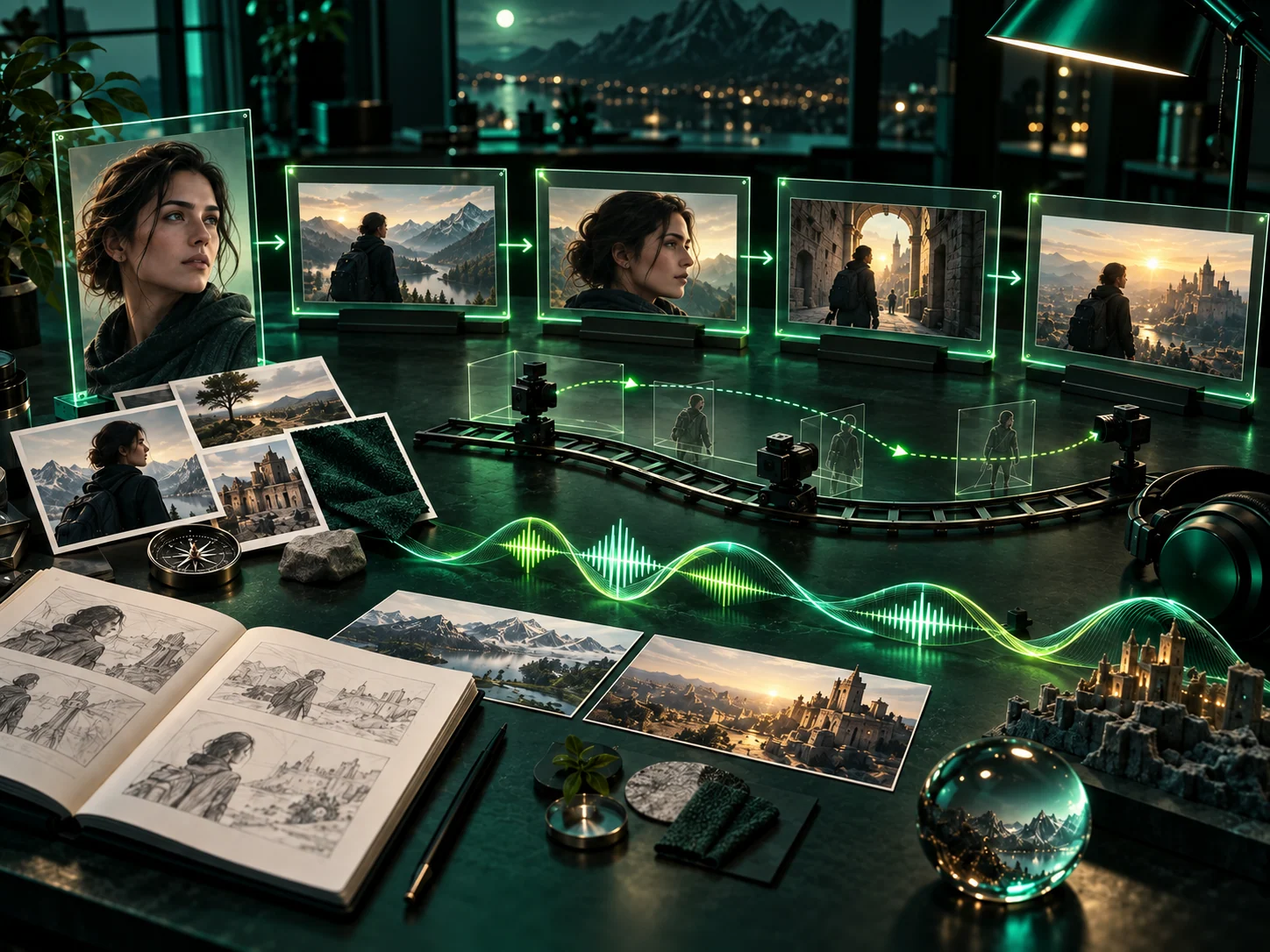
A sentence, an image, or a first and last frame can be the start of a product film, character moment, or visual experiment.
Use Omni Reference to carry the face, product, setting, movement, and visual mood you care about into the finished scene.
Place key moments where they belong, then direct the action and camera as the scene moves between them.
Natural motion, expressive faces, synchronized voices, and rich picture quality make a scene easier to believe and remember.
One direction, many possibilities
Show what matters, guide what changes, and keep the result connected to your original idea.
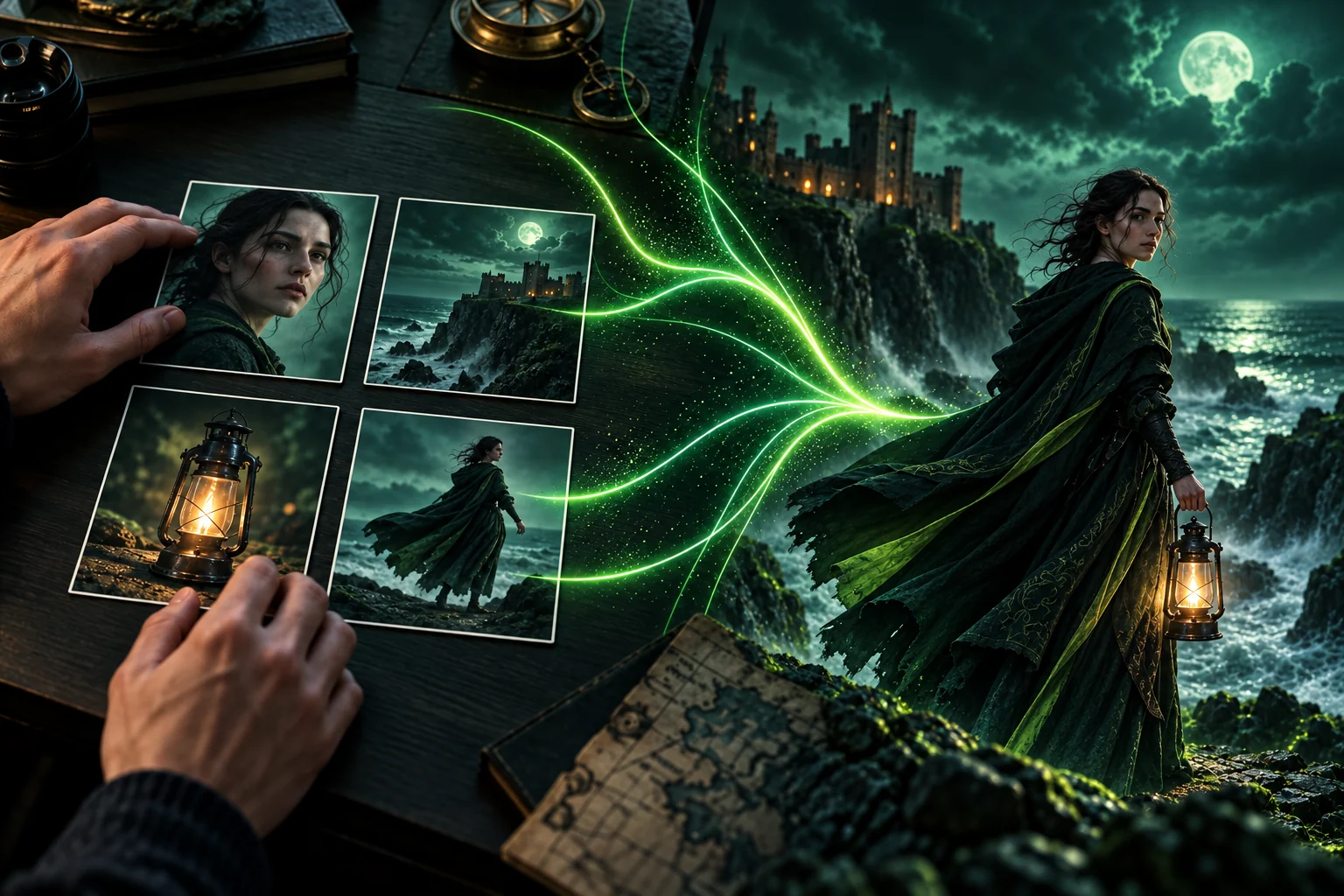
Gather the people, objects, places, and movement that define the scene. Visual references help every shot follow the same direction.
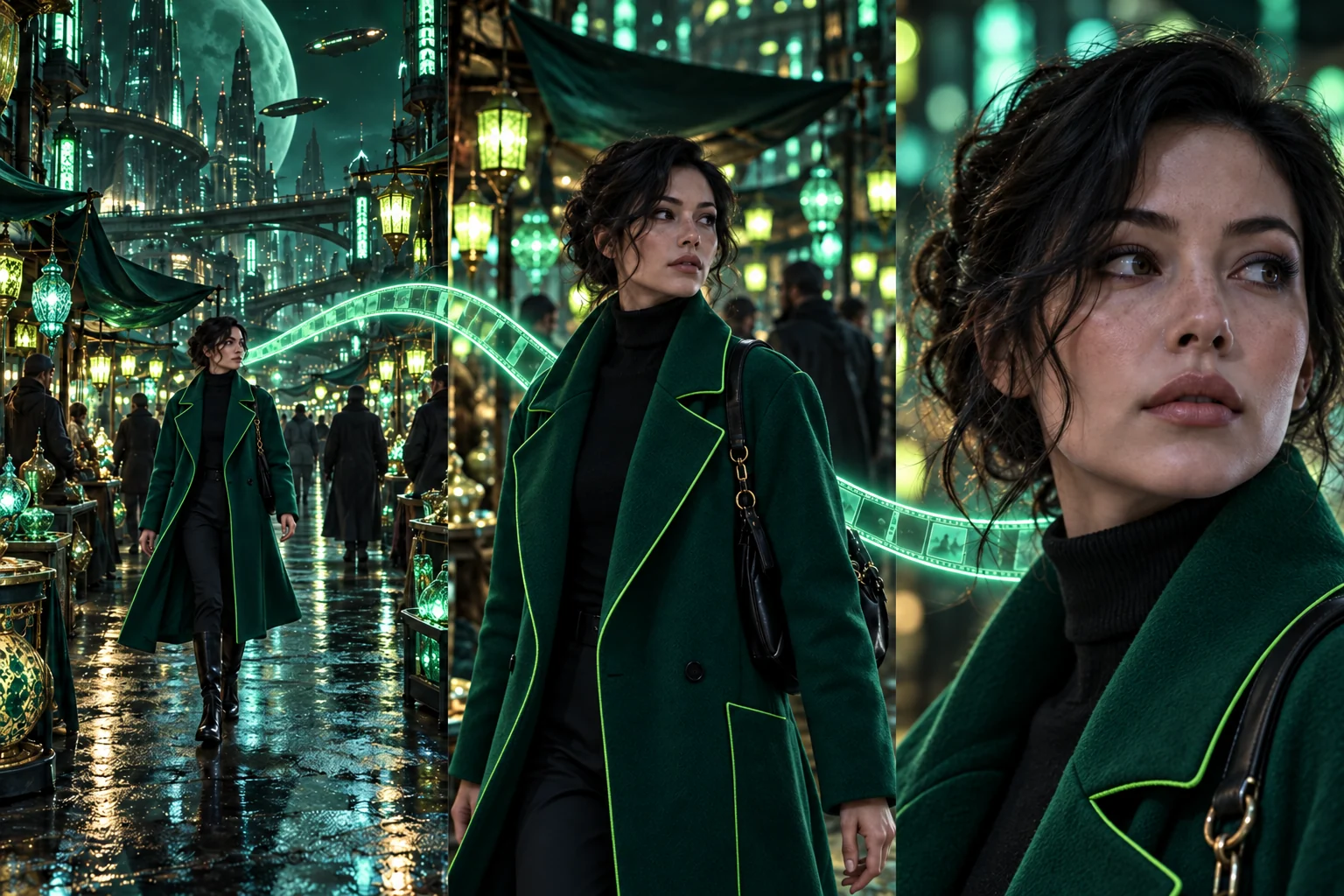
Move from an opening image to the decisive action and final reveal. Keyframes and camera direction help the scene feel intentional.
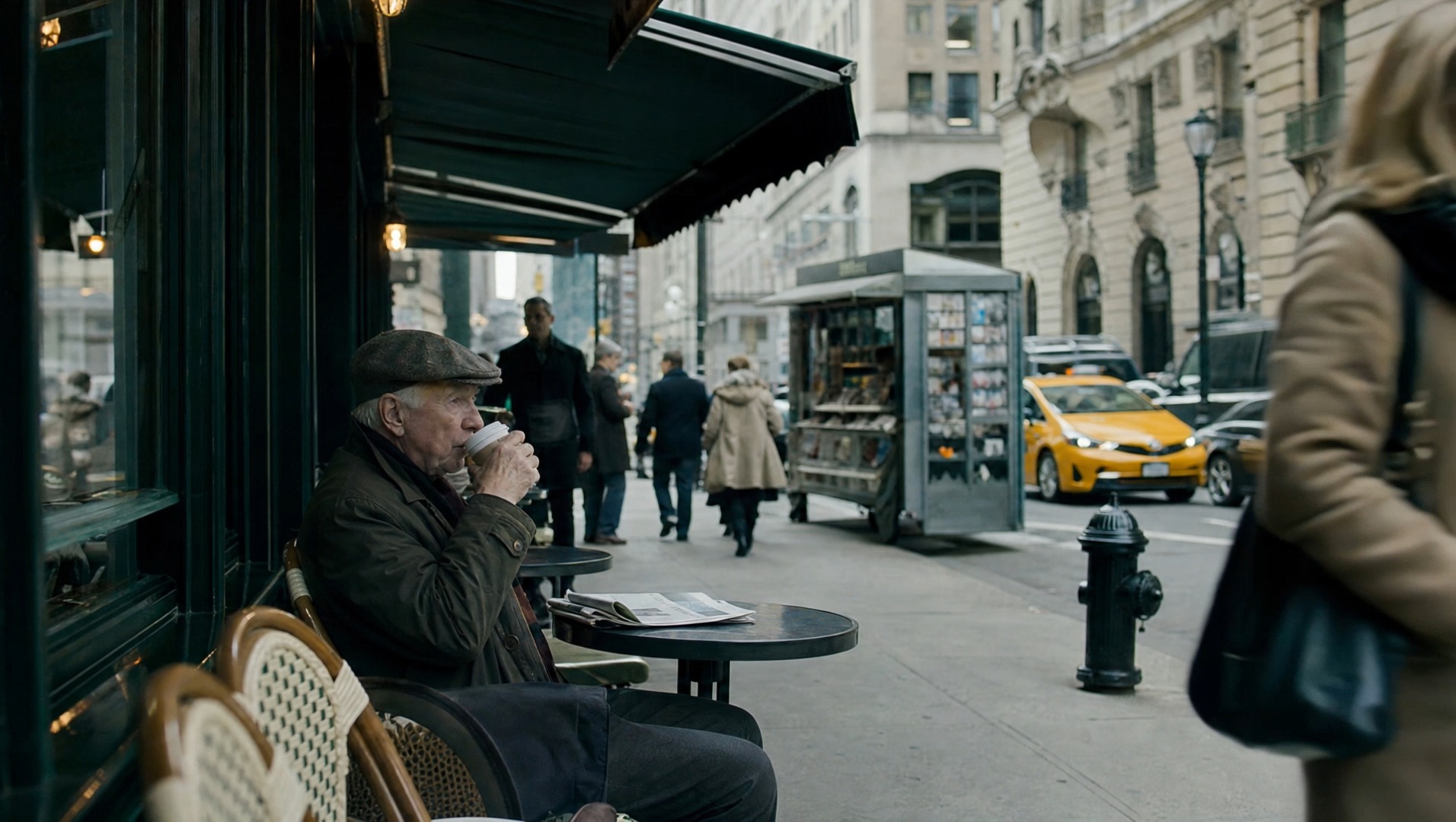
Refine a performance, change the background, or explore another composition while preserving the idea that made the scene work.
How to create
A strong result begins with a subject, a sequence, and a few references that each have a clear purpose.
Decide what the viewer should feel or understand: a product reveal, a character decision, a transformation, or a surprising visual beat.
Add the people, product, location, or movement references that should stay consistent. Leave out references that do not help the scene.
Describe the action in viewing order. Use first and last frames or keyframes to place the visual turning points.
Check the motion, sound, expressions, and details. Adjust the prompt or make a focused edit to strengthen the result.
Made for many kinds of stories
Kling 4.0 supports precise commercial work and expressive narrative ideas across realistic and stylized visual languages.
Combine product views and character references for launch films, fashion spots, and visually consistent ads.
Turn a dramatic frame into a fuller scene with expressive faces, dialogue, and deliberate pacing.
Create presenter-led product stories and vertical videos with clear speech and a recognizable subject.
Explore clay, felt, glitch, documentary, and 3D cyber aesthetics while keeping the scene’s visual language coherent.
Use motion and camera references to guide fast movement, tracking shots, and cinematic reveals.
Build videos with multiple languages, accents, dialects, readable on-screen text, and stable graphic elements.
Kling 4.0 FAQ
Answers to common questions about references, keyframes, picture quality, audio, and editing.
Kling 4.0 creates videos from text, images, first and last frames, keyframes, and mixed references. Use it for ads, short drama, animation, social clips, game trailers, and other visual stories.
A single generation can run from 3 to 30 seconds. Video extension can carry a story across multiple additions for a longer sequence.
Omni Reference combines up to 15 items across images, videos, voice references, and subjects. It helps anchor characters, products, actions, camera direction, and visual style.
Kling 4.0 supports up to 10 keyframe images, giving you control over important character states, scene changes, and narrative beats.
The model specifications include 720p, 1080p, and 4K output, with 10-bit HDR at 1080p and 4K. Audio capabilities include two-channel stereo and improved lip synchronization.
Yes. Targeted video editing can adjust expressions, body motion, camera position, camera movement, backgrounds, or style while preserving the surrounding scene.
It supports multilingual speech, accents and dialects, plus readable text, logos, and emojis in video.
Kling 4.0 Flash is a faster option for frequent creation. Its core specifications include text-to-video, image-to-video, Omni Reference, clips from 3 to 20 seconds, and 720p output.
Choose a monthly, yearly, or one-time credit plan for your AI video generation volume.
Cancel anytime
Make the next scene yours
Start with a subject and a clear moment. Add references and visual direction, then shape a video that holds together from opening to final frame.