
Product ads that show, not just explain
Turn product photos into launch films, beauty shots, unboxings, fashion edits, food visuals, and lifestyle scenes while guiding the shape, material, color, and final hero frame.
Sign in to claim 100 starter credits and begin creating
Kling 4.0 AI video creation
Build the hook, show the transformation, reveal the product, or let a character finish the scene instead of cutting away too early.
Give one clip enough time for a clear beginning, action, and payoff
Bring people, products, places, objects, and visual style into one brief
Create cleaner video for campaigns, pitches, websites, and social publishing
Create more than one impressive shot
Bring video, images, references, voices, and scene extension into one creative direction. Start with whatever you already have, then shape it into content people can understand and remember.
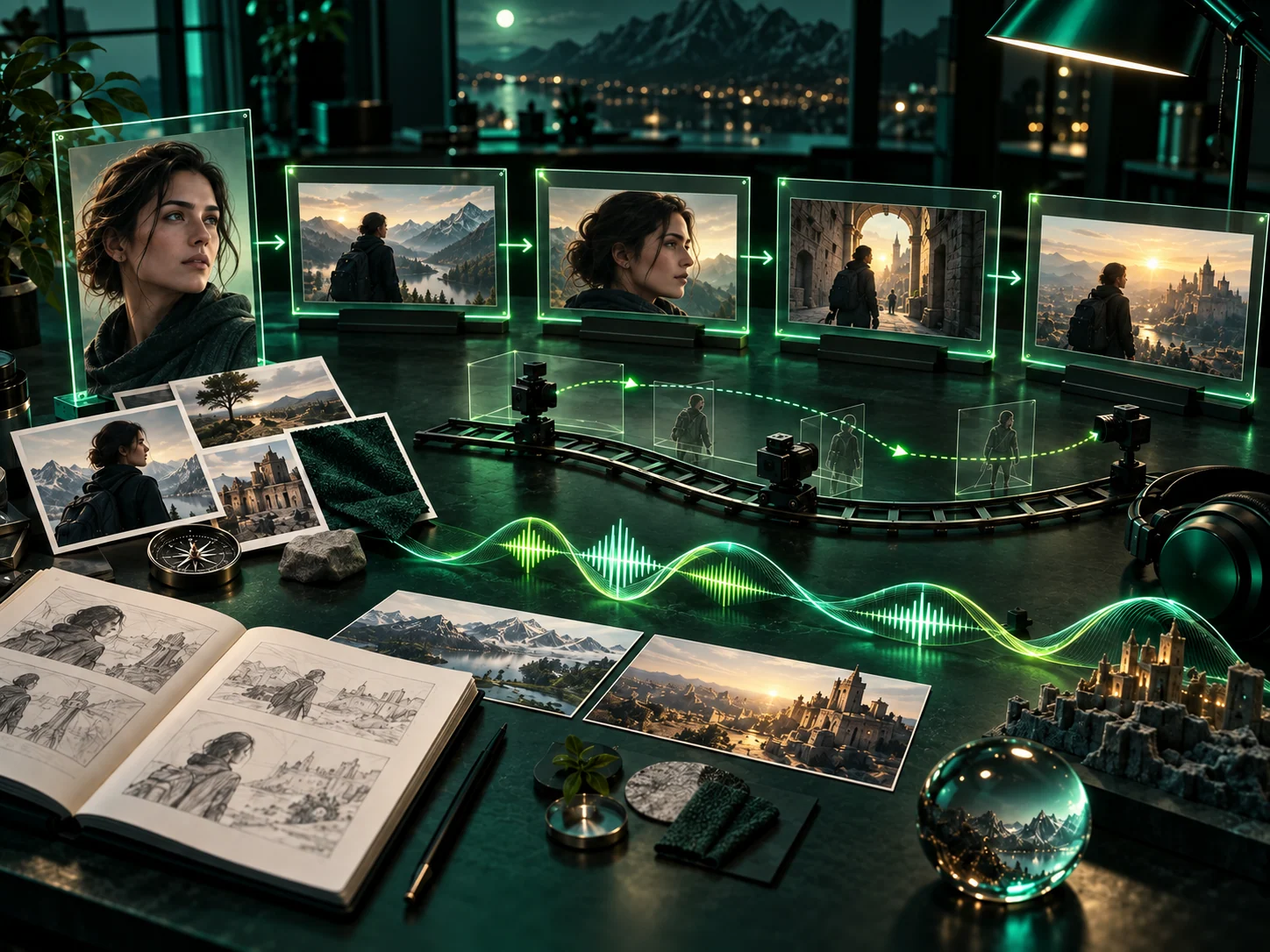
Write the concept in everyday language, upload the product or character you want to preserve, and add location, style, or motion references when they help tell the story.
Use Omni Reference to guide faces, wardrobe, props, packaging, locations, and visual identity across different shots instead of rebuilding the look every time.
Describe what the viewer should see first, how the camera moves, what changes in the scene, and how each character should sound with up to three voice references.
Generate up to 30 seconds, extend a video to 60 seconds, explore experimental 120-second storytelling, or create 1–9 matching Kling Image 4.0 visuals for the same campaign.
One creative direction, many deliverables
A strong creative workflow is less about technical language and more about clear decisions: who matters, what happens, how it should feel, and what must stay consistent.
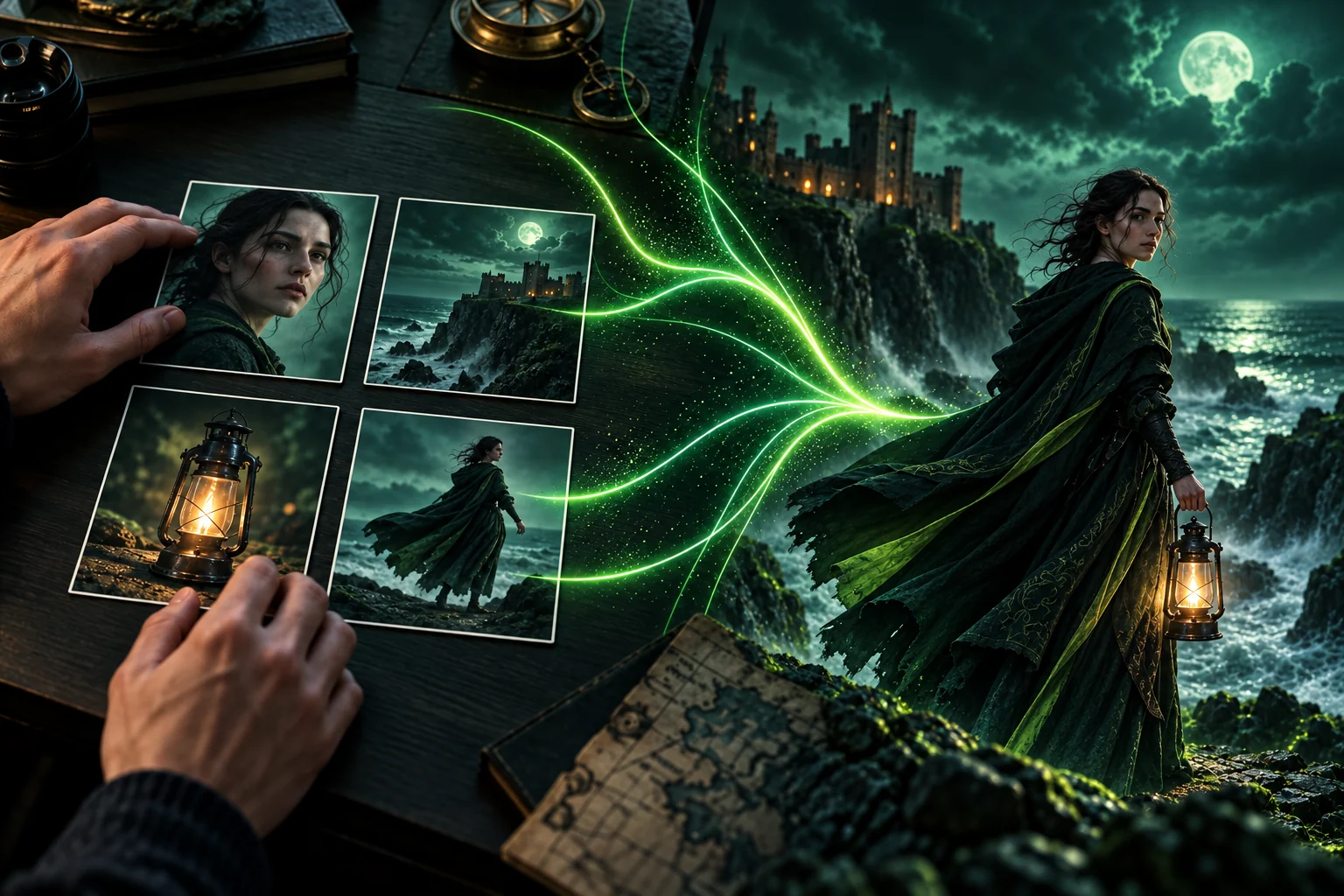
Combine up to 15 Omni Reference elements for the character, product, wardrobe, location, props, color palette, composition, or motion. Each reference has a job, so the result follows one recognizable direction.
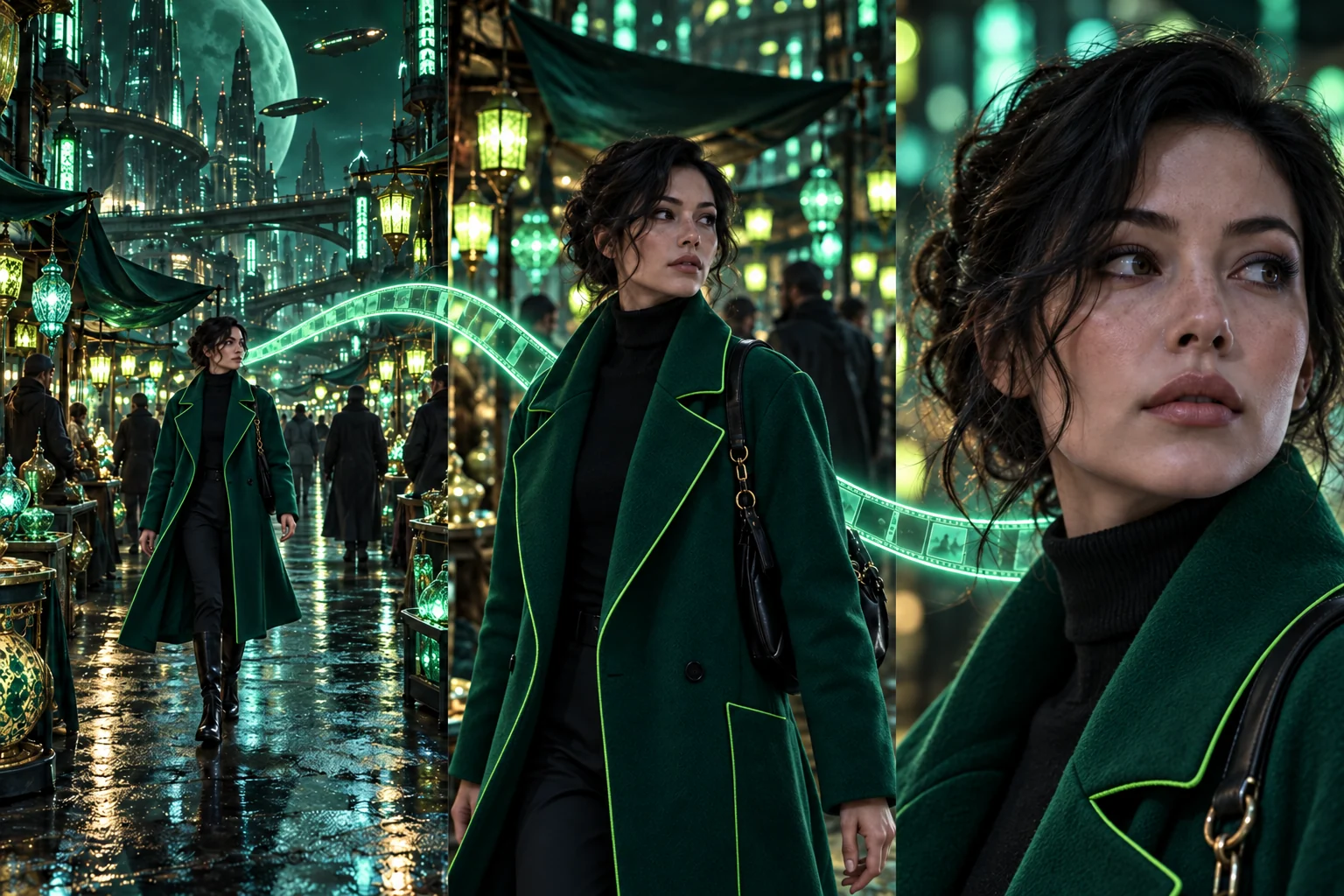
Plan the opening, the main action, camera changes, character performance, and final reveal. Create up to 30 seconds at 1080p, then extend the strongest result forward or backward when the story needs more time.
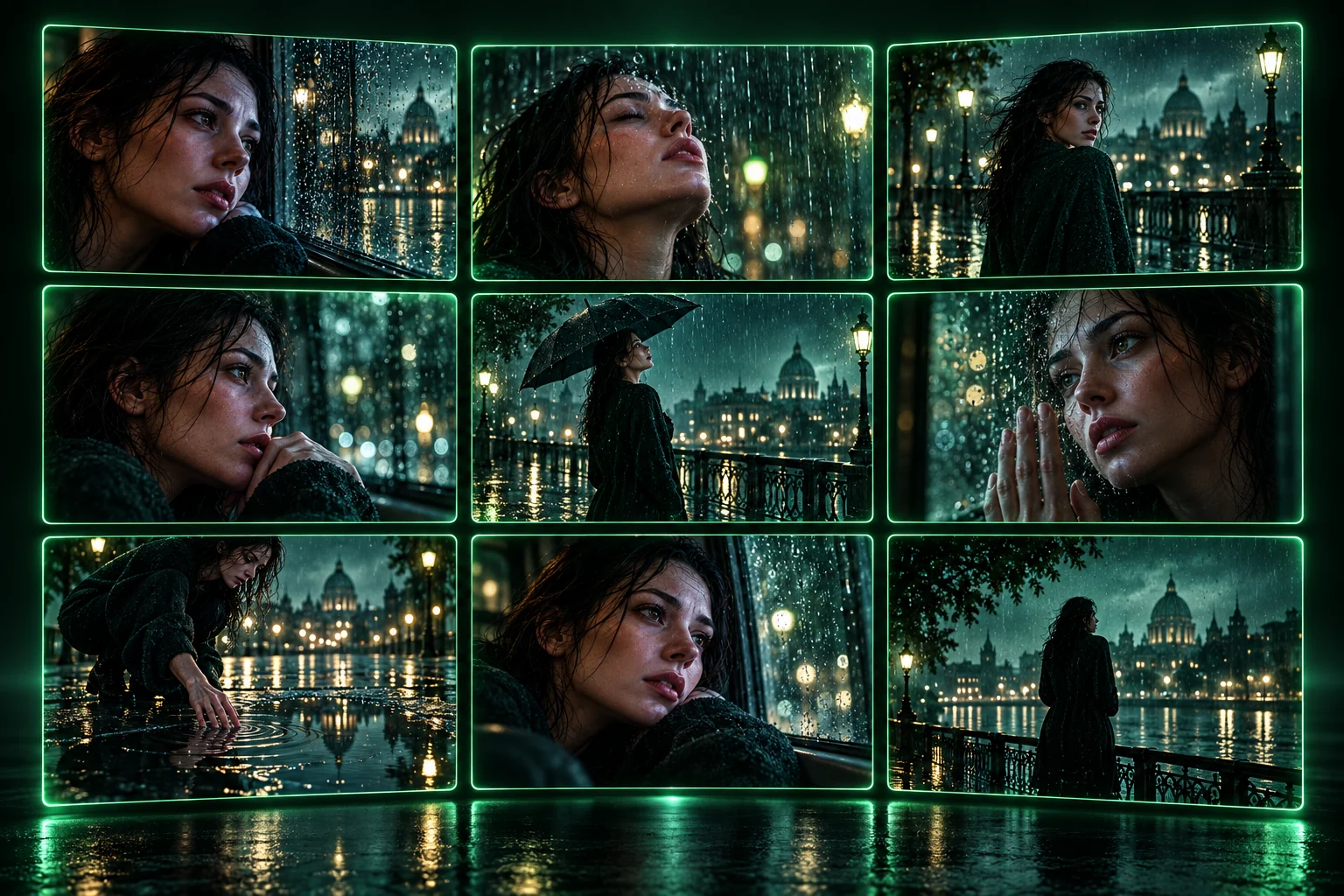
Use Kling Image 4.0 to explore keyframes, thumbnails, campaign stills, product images, and alternate compositions. Generate 1–9 related images in one run at up to 4K, with selected workflows reaching up to 8K.
How to use Kling 4.0
Start with the result you want. A clear subject, a simple sequence, and a few useful references are more valuable than a page of technical terms.
Decide whether you are selling a product, telling a short story, introducing a character, visualizing music, or creating a social post people will stop to watch.
Upload the person, product, place, or visual style that must remain recognizable. Add voice references only when the scene needs a specific speaker or performance.
Write the opening shot, the main action, the camera move, and the ending in the order viewers should experience them. Use plain language and one clear action at a time.
Check the face, product shape, movement, framing, and mood. Refine the prompt, create a stronger version, or extend the best clip into a longer sequence.
Popular Kling 4.0 use cases
Support everyday content work as well as ambitious visual storytelling. Choose a practical goal first, then use references and longer scenes to make the result feel intentional.
Turn product photos into launch films, beauty shots, unboxings, fashion edits, food visuals, and lifestyle scenes while guiding the shape, material, color, and final hero frame.
Give a scene time to establish a place, introduce a character, build tension, and reach an ending. Use references to keep the lead recognizable as shots and emotions change.
Create attention-grabbing openings, transformations, reveals, mini tutorials, and recurring series for vertical feeds without losing the subject halfway through the clip.
Translate a track, lyric idea, or visual mood into performance scenes, atmospheric loops, cover visuals, and longer sequences with deliberate pacing and camera movement.
Develop a recognizable host, mascot, or story character and carry the same face, wardrobe, world, and voice direction across episodes and promotional content.
Explore up to nine coordinated images for key moments, thumbnails, posters, product pages, and creative pitches before committing to a final video direction.
Kling 4.0 FAQ
Straightforward answers about what the model can make, how references help, and how to turn an everyday idea into a more consistent video or image series.
Kling 4.0 is a released AI video and image model family for creating longer visual stories from prompts and references. It is designed for work such as product ads, short films, social videos, character-led scenes, creative previsualization, and matching image sets.
You can create product commercials, fashion and beauty videos, cinematic story scenes, music visuals, travel concepts, social content, virtual-character episodes, campaign previews, and other reference-led video ideas.
Yes. Product images, packaging, materials, colors, and lifestyle references can all guide the creative direction. A clear prompt can move from detail shots to use scenes and finish on a recognizable product reveal.
Omni Reference is intended to help anchor important visual details such as a face, outfit, product, prop, or location. Clear source images and simple shot-by-shot direction make it easier to carry those details through a sequence.
Yes. You can build the brief around a written idea and add visual references for people, products, locations, style, composition, or motion. This is useful when the result needs to follow an existing look rather than invent everything from scratch.
It can generate a clip up to 30 seconds in one pass. A video can be extended to 60 seconds, while the experimental long-video mode supports 120-second 1080p sequences that can grow forward or backward from a source scene.
Video output reaches up to 1080p, giving creators a cleaner result for campaign review, websites, presentations, editing, and social publishing.
Omni Reference lets you guide a scene with a combined set of up to 15 elements. Those elements can represent characters, products, objects, locations, clothing, visual style, composition, motion, or other details that define the idea.
You can use up to three voice references to guide how different characters sound. This is useful for dialogue-led stories, virtual hosts, recurring characters, and scenes where vocal identity matters as much as appearance.
Yes. You can extend the story forward to continue the action or backward to create an earlier setup. This helps turn a strong moment into a fuller sequence without starting the entire concept again.
Kling Image 4.0 can generate 1–9 related images in one run at up to 4K, with selected workflows reaching up to 8K. Common uses include keyframes, thumbnails, posters, product images, campaign variations, and storyboard moments.
Describe the goal, subject, setting, main action, camera movement, mood, and ending in that order. Name what must stay consistent, give each reference a clear purpose, and avoid asking several unrelated actions to happen at the same time.
Choose a monthly, yearly, or one-time credit plan for your AI video generation volume.
Cancel anytime
What's included
Everything in Starter, plus
Everything in Pro, plus
Bring the next idea to life
Use the Kling 4.0 AI video generator to turn a product, character, image, or story idea into a connected scene—then extend it into a campaign, social series, short film, or matching image set.