Generate an image from text
Describe the subject, setting, light, composition, and style. Turn a short brief into a visual you can review and refine.
Describe a scene or add a reference image, then choose an image model to bring your idea into focus. Try it free and create your first image.
Text to image · image to image
This AI image generator supports both new ideas and reference-led work. Begin with words to explore a scene, or add your own image when a subject or look needs to guide the result.
Describe the subject, setting, light, composition, and style. Turn a short brief into a visual you can review and refine.
Upload a photo, sketch, or other reference and explain how it should influence the new image or what you want to change.
Pick an available aspect ratio for a square post, portrait concept, or wide visual. Options vary by model.
Make a first image for free, see how the model interprets your idea, and adjust the direction from the result.
AI image ideas
These original illustrations are creative concepts for inspiration, not samples from the selected model. Your result depends on the model, prompt, and references you use.
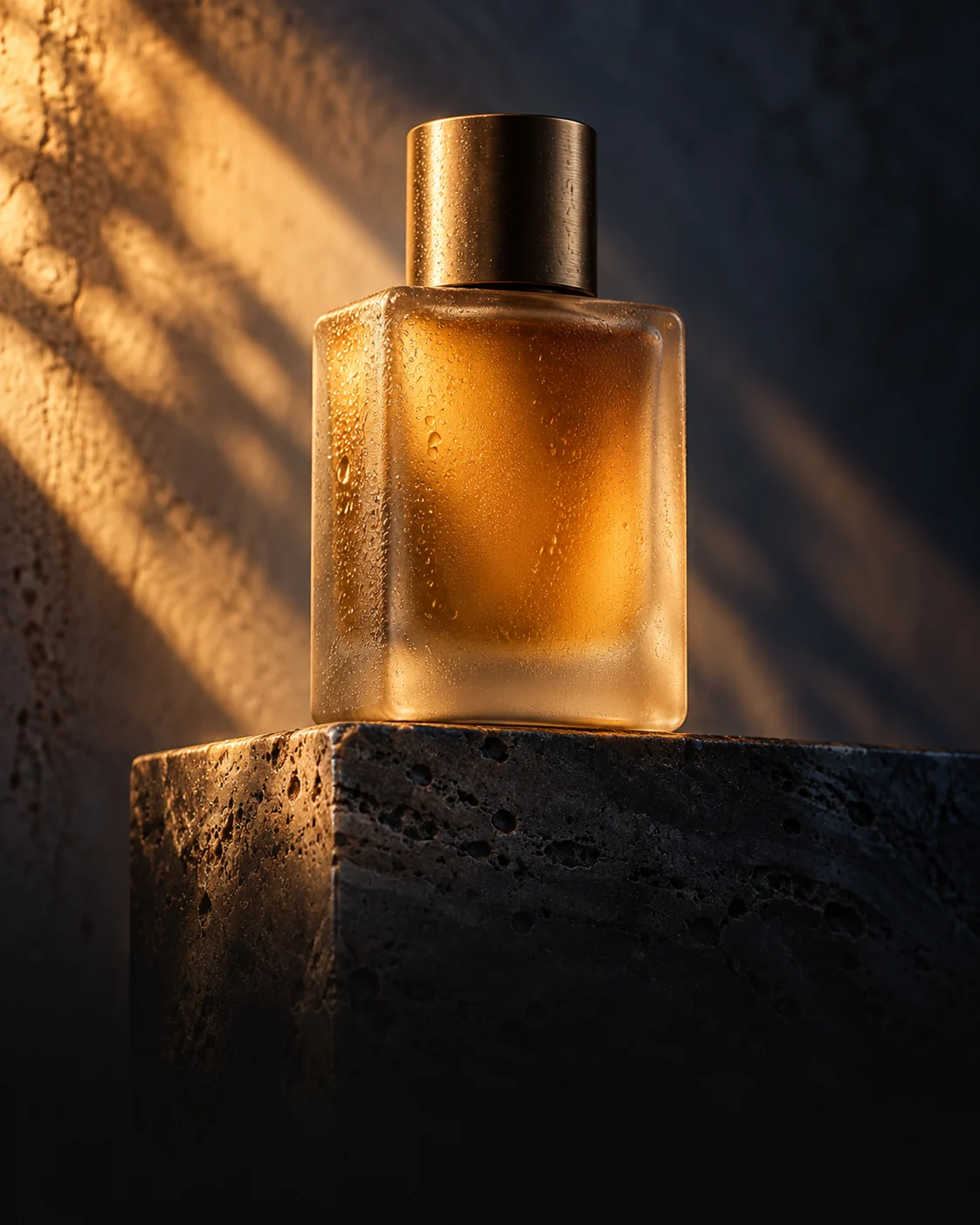
Explore materials, lighting, and composition for a product campaign or shop image.
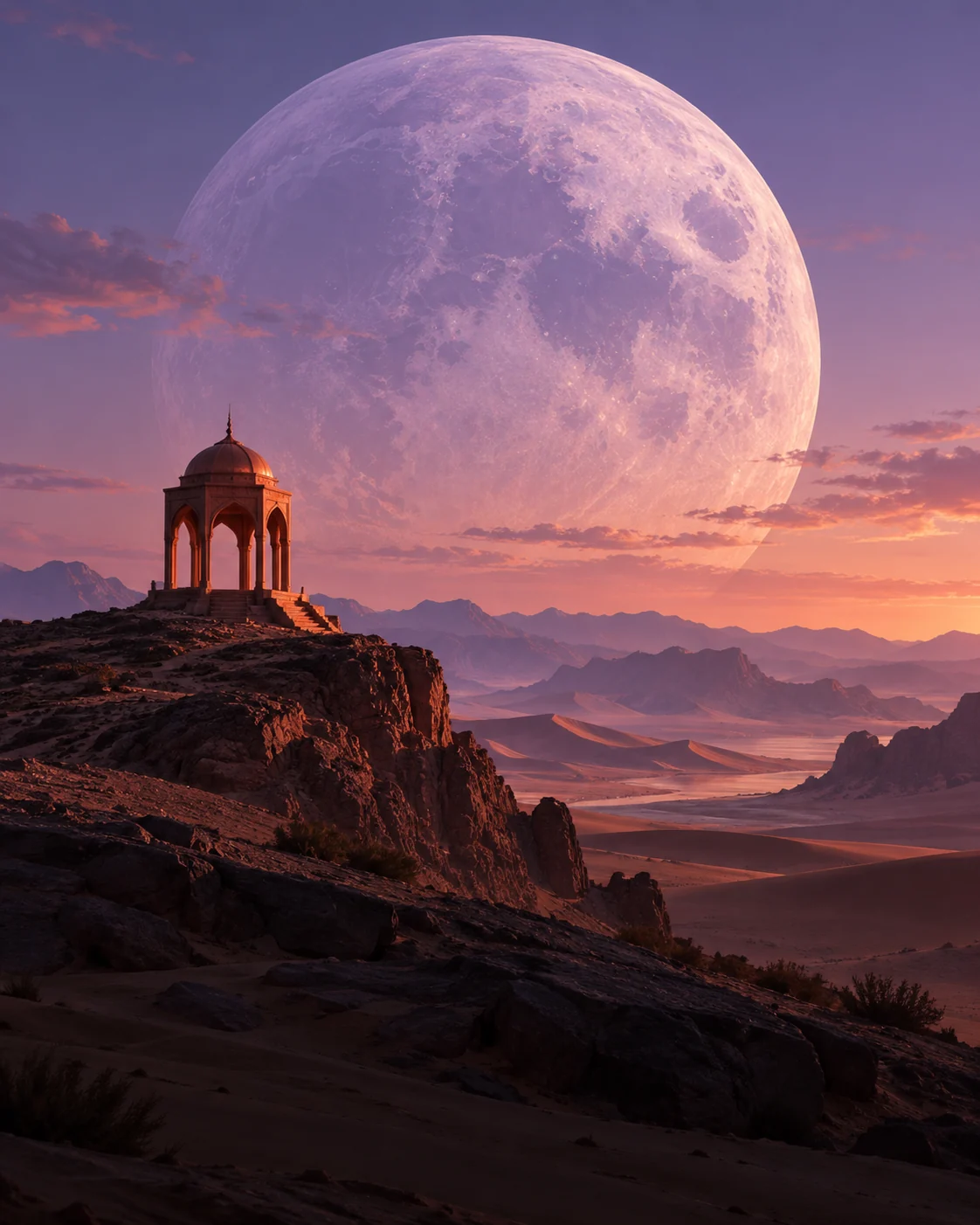
Sketch a setting for a story, poster, or mood board with a clear visual style.
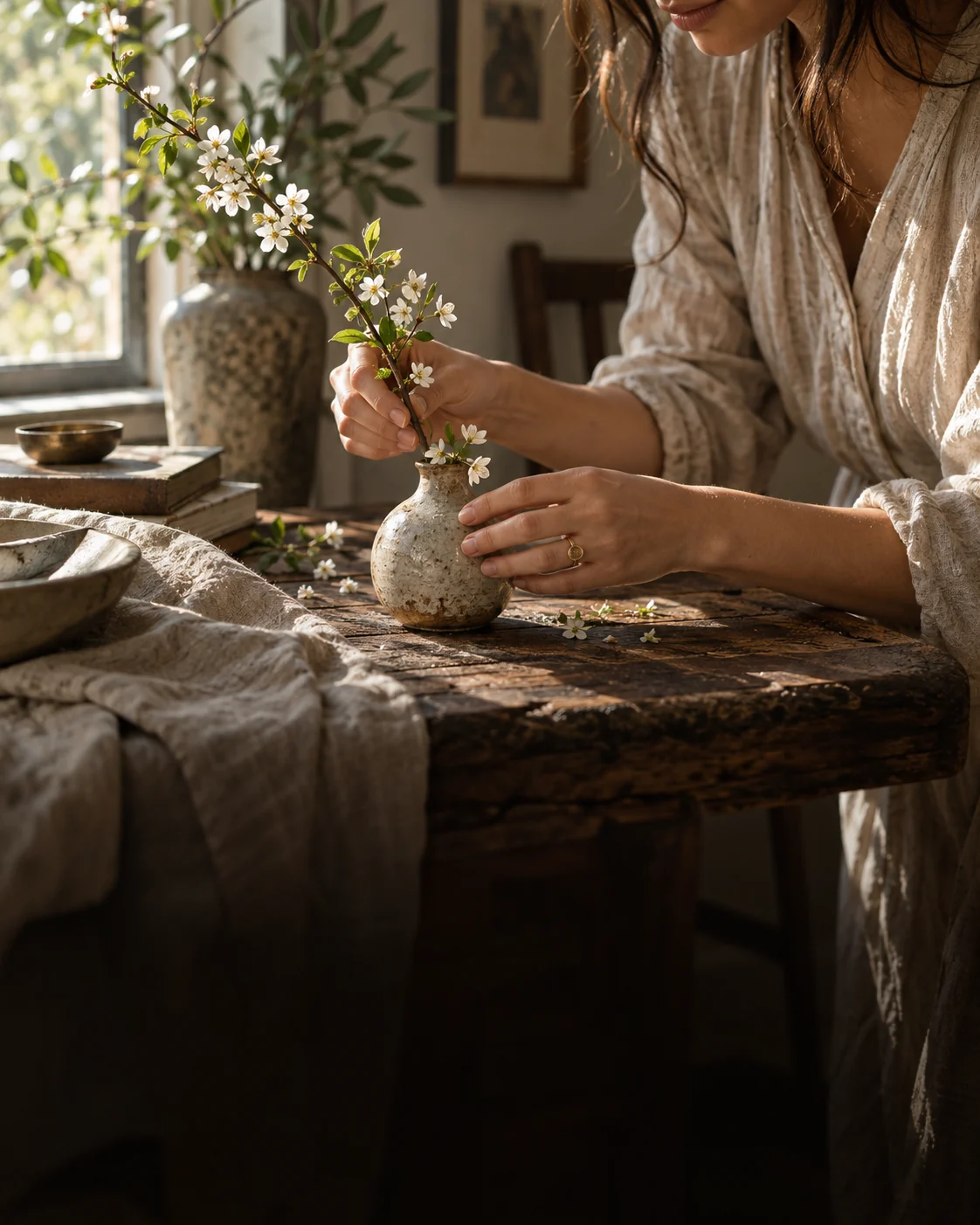
Describe a real moment, natural light, and the details that make it feel specific.
How to make an AI image
A clear subject and one intended use give the model a stronger starting point. Add references and detail when they help the image you need.
01
Write what should appear, where it takes place, and the mood or style you want.
02
Upload your own image to guide the subject, palette, or a change you want to make.
03
Select an available image model and aspect ratio that suit your intended use.
04
Review the result, then adjust one part of the brief or reference if it needs another pass.
AI image generator FAQ
Quick answers about free trials, text prompts, your own images, model choice, and realistic styles.
Yes. You can try the image generator for free and create an image. Available settings and later usage vary by model.
Yes. Describe your subject, setting, style, and composition, then generate an image without uploading a reference.
Yes. Add an image and explain what should guide the new result or what you want to change. Supported inputs and limits depend on the selected model.
The generator opens with Nano Banana 2 Lite. You can switch to Nano Banana 2, GPT Image 2, GPT Image 2.5, and other available image models in the model picker.
You can ask for a photographic style and describe lighting, materials, framing, and fine details. Review the generated image carefully before using it in a published design.
Make your first AI image
Start from text or an image, pick a model, and try it free to see where your visual idea can go.