
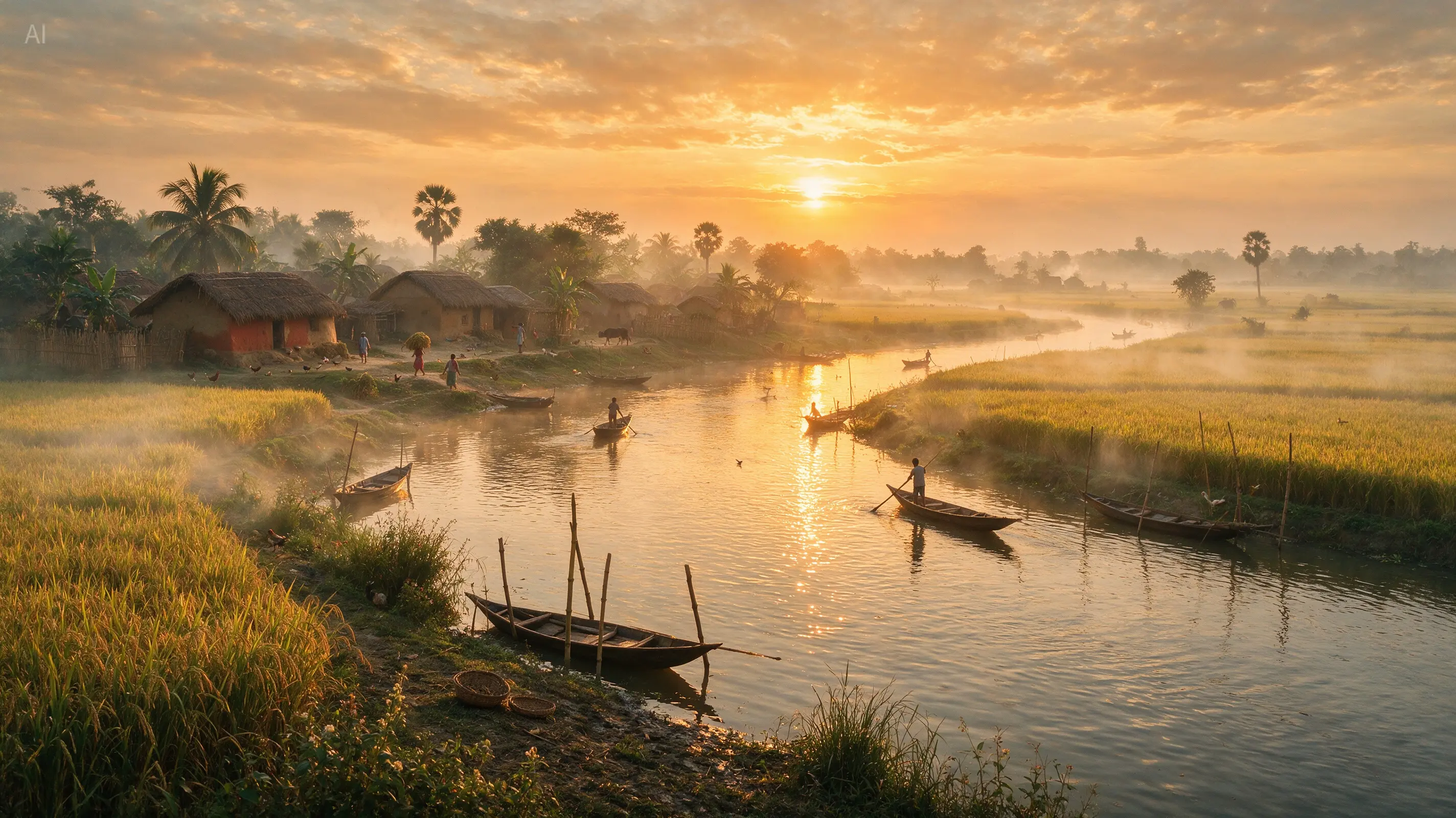
/ 01
Text-to-image generation
Give Seedream 5 Pro a concrete brief for your advertising concept. Specify the subject, framing, light, and details that the image needs to communicate.
explore →
Shape the opening impression of an ad on Kling 4.0. Seedream 5 Pro helps you explore attention-focused stills, product scenes, and storyboard concepts before final campaign production.
A plan or credit pack unlocks this model. Images start at 7 credits each; review the total before generating.
Explore 18 images from ByteDance’s official showcase, including product pages, typography, portraits, and illustrations. Open each example to inspect the composition and details before planning your own prompt.
Generate an image from a text prompt or use reference images to guide an edit. Control the resolution, aspect ratio, and export format in the same workspace.
Give Seedream 5 Pro a concrete brief for your advertising concept. Specify the subject, framing, light, and details that the image needs to communicate.
Guide Seedream 5 Pro with references for the subject, setting, or style. For example: replace the yellow table with a cool blue surface while preserving the drink, condensation, orange slice, and vertical framing. Describe what should remain fixed while you change one part of the image.
Explore prompts at 1K, then choose 2K when your design needs more resolution. Set the output quality before each generation and inspect the result at full size.
Choose 1:1, 4:3, 3:4, 16:9, 9:16, 2:3, 3:2, or 21:9. Export the result as PNG or JPEG for your next design step.
Use Seedream 5 Pro to test how subject placement, contrast, and setting affect an advertising concept. Give every still a specific role in the campaign.
Create a still with an immediate focal point and a readable subject. Evaluate it at small size to see whether the intended message survives.
Place the item in a setting that explains its use. Specify how hands, props, and background should relate to the product, then inspect the result carefully.
Use Seedream 5 Pro to picture individual beats of a short campaign. Describe each panel separately and review continuity across the selected images.
Explore contrasting palettes, environments, and compositions for the same brief. Choose a direction based on message clarity before refining decorative details.
The AI image generator above has this model selected. Follow four steps to write your prompt, add references, choose output settings, and download your result.
Name the main subject, the intended impression, and where a headline will go. Keep the frame focused on one clear advertising idea.
Upload up to 10 JPG, PNG, or WebP images, each up to 30 MB. Explain which image defines the subject, palette, composition, or style.
Choose one of eight aspect ratios, 1K or 2K resolution, and PNG or JPEG output. Check the total credits before generating.
Review the product, subject placement, lettering, and available copy space. Refine the selected direction before using the still in an ad layout.
Unlock the model with a plan or credit pack. Image generation starts at 7 credits for 1K or 14 credits for 2K; additional references and multiple outputs change the total.
Text-to-image generation or an edit with one reference costs 7 credits per output at 1K.
Choose 2K for higher-resolution output. Text-to-image generation or an edit with one reference costs 14 credits per output.
The first reference adds no extra cost. Each additional reference adds 1 credit per output, with up to 10 references supported.
A 1K image with three references costs 9 credits. Two outputs with those settings cost 18 credits. The workspace shows the total before you generate.
Answers about online image generation, reference images, 2K output, prompts, and pricing on Kling 4.0.
Also known as Seedream 5.0 Pro, it is ByteDance’s AI image model for text-to-image generation and reference-based image editing. On Kling 4.0, it supports 1K and 2K output, eight aspect ratios, and PNG or JPEG export.
Use the image generator at the top of this page. Sign in and purchase a plan or credit pack to unlock the model, then enter a prompt or upload references. Choose your output settings and check the credit total before generating.
You can upload up to 10 reference images for image-to-image editing. Supported formats are JPG, PNG, and WebP, with a maximum size of 30 MB per image. Describe the role of each reference in your prompt.
This workspace offers 1K and 2K image generation, with no 4K or automatic aspect ratio option. Choose from eight ratios: 1:1, 4:3, 3:4, 16:9, 9:16, 2:3, 3:2, or 21:9. Both resolutions can be exported as PNG or JPEG.
Each output starts at 7 credits for 1K or 14 credits for 2K. The first reference is included; each additional reference adds 1 credit per output. For example, a 2K image with three references costs 16 credits. Multiply the per-image amount by the number of outputs.
Seedream 5 Pro requires paid access on Kling 4.0. Purchase a plan or credit pack to unlock the model. Free account credits alone do not unlock it, and each generation still consumes credits.
For example: replace the yellow table with a cool blue surface while preserving the drink, condensation, orange slice, and vertical framing. Specify which reference controls the product and which supplies the campaign palette.
PNG is an available export format, but choosing it does not guarantee a transparent background. This workspace has no dedicated transparency control for this model. Inspect the downloaded image before using it in a layered design.
Turn a campaign message into a focused image. Add references, set the framing, and compare a visual direction before your next production step.